ERP
Best ERP Systems for Mid-Sized Businesses (2026)
Best ERP Systems for Mid-Sized Businesses (2026)
The best ERP systems for small and mid-sized businesses are Tailor, NetSuite, SAP Business One, Dynamics 365 Business Central, Acumatica, Odoo.
ERP
The best ERP systems for small and mid-sized businesses are Tailor, NetSuite, SAP Business One, Dynamics 365 Business Central, Acumatica, Odoo.
There are a lot of “best ERP” lists floating around on the Internet, and most of them are built for enterprise buyers.
Even if it’s not explicitly stated, these lists operate off enterprise assumptions. They think you want to replace your tools, migrate your data, and start over inside a brand-new system.
But for mid-sized buyers — businesses that have outgrown spreadsheets and are ready to scale up, yet want to keep what’s working — this information won’t be helpful. You need a different way to compare your options for ERPs.
This article shows you how to evaluate the best ERP systems for mid-sized businesses based on architecture, not features, so you can make the best decision to help your business grow.
What does the “best” ERP look like for your business, right now — as a mid-market operator trying to scale?
You’ve outgrown QuickBooks and spreadsheets. But you don’t have the enterprise capacity that NetSuite assumes (a full IT team, the budget for a six-figure implementation, 12-18 months to wait before going live).
It’s a tricky spot to be in, especially as team morale is likely continuing to flag. People are tired of constantly reconciling the three systems with slightly different numbers. They don’t want to keep repeating “our system doesn’t support that” to every new opportunity. And they’re stressed when leadership wants to add a new channel or a new market, because that just means more manual work for everyone.
This is where your new ERP comes in — one that’s scalable, customizable, and easy to use. As a mid-sized business, you want to know what scaling is going to cost you. You need a product that you can customize without technical expertise — one with an intuitive interface that encourages team adoption — and one with native, first-class integrations.
The “best ERP” might also look different depending on your industry. For example, as a light manufacturing business, your most important need is production tracking. Look for BOMs, work orders, and material requirements.
Once you know what you actually need, you’re ready to research. But most ERP lists compare vendors in a way that’s designed for enterprise buyers. To find what you’re looking for, you need a different method of evaluating your options.
ERP comparison lists are typically built around features, not architecture. They assume you’re going to replace all of your tools and migrate into a completely new system.
But as a mid-sized buyer already running on tools that work, looking only at features is likely going to send you in the wrong direction. You want to keep what’s working and unify it. So you need a different model: evaluating ERPs based on architecture instead.
Architecture tells you how a system works, not just what it does. These three questions can help you learn more:
Keep these three questions in mind as we discuss how the best ERP systems for mid-sized businesses stack up.
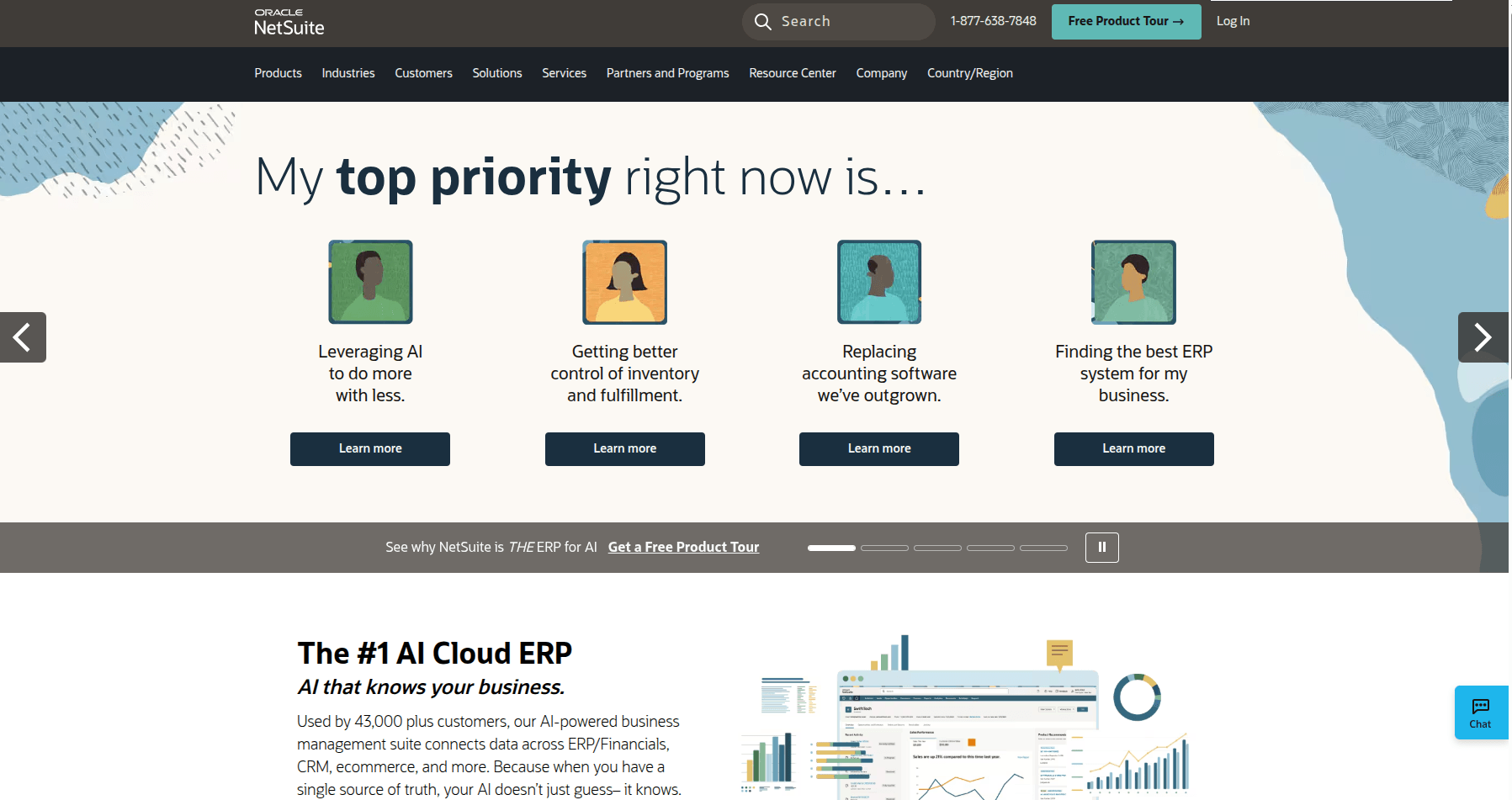
NetSuite, Oracle’s cloud ERP, is used by over 43,000 organizations across the globe. It’s a single source of truth for financials, inventory, order management, CRM, and ecommerce. Companies in the $10M–$500M revenue range often find NetSuite a good fit to support their growth, particularly if they have retail operations or complex supply chains.
Pros:
Cons:
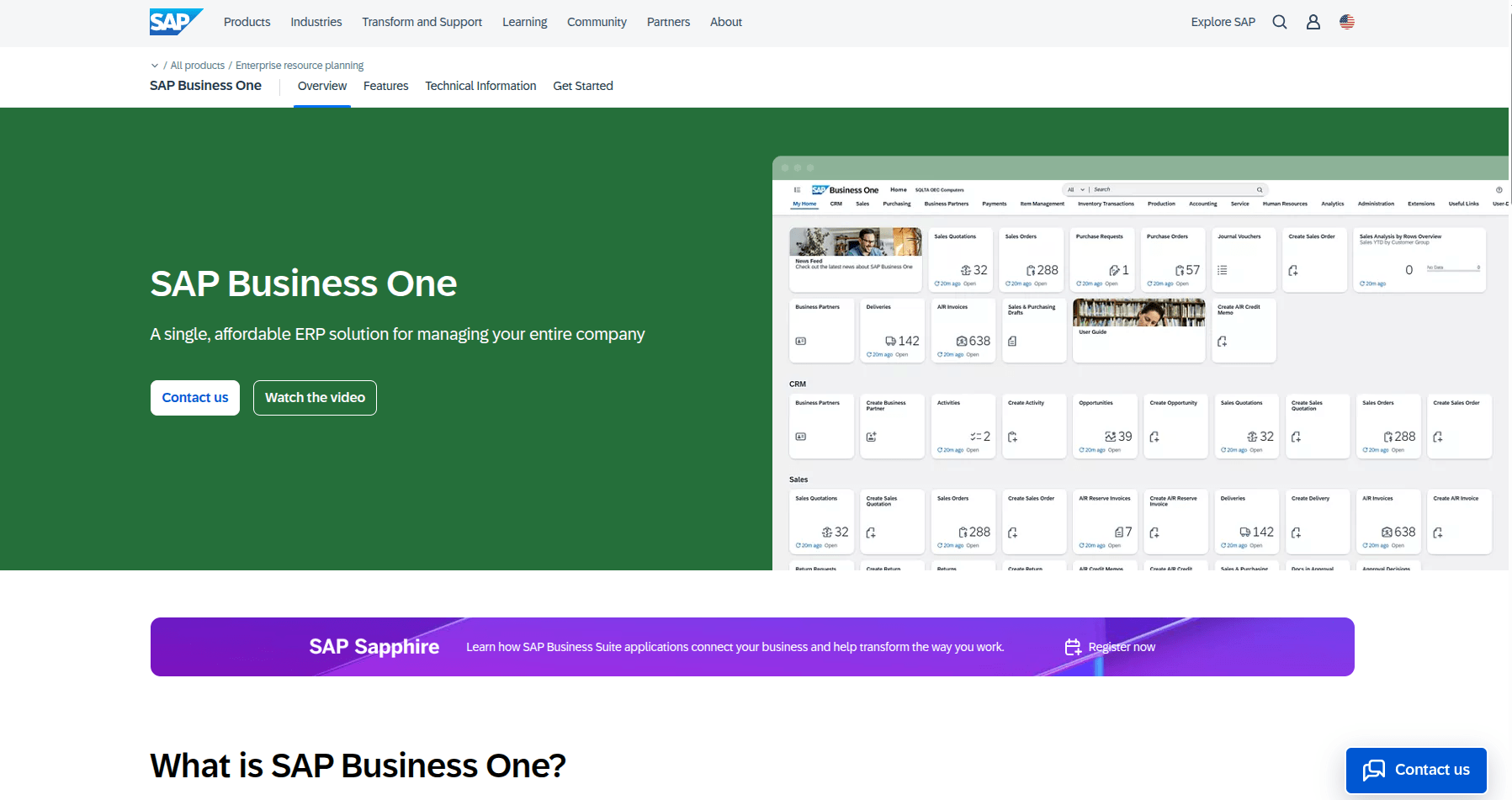
SAP Business One is specifically designed for small and mid-sized businesses (under $50M in revenue). It’s well-suited for industries like wholesale distribution, light manufacturing, and professional services. This ERP for mid-sized businesses is flexible and customizable to meet evolving needs.
Pros:
Cons:
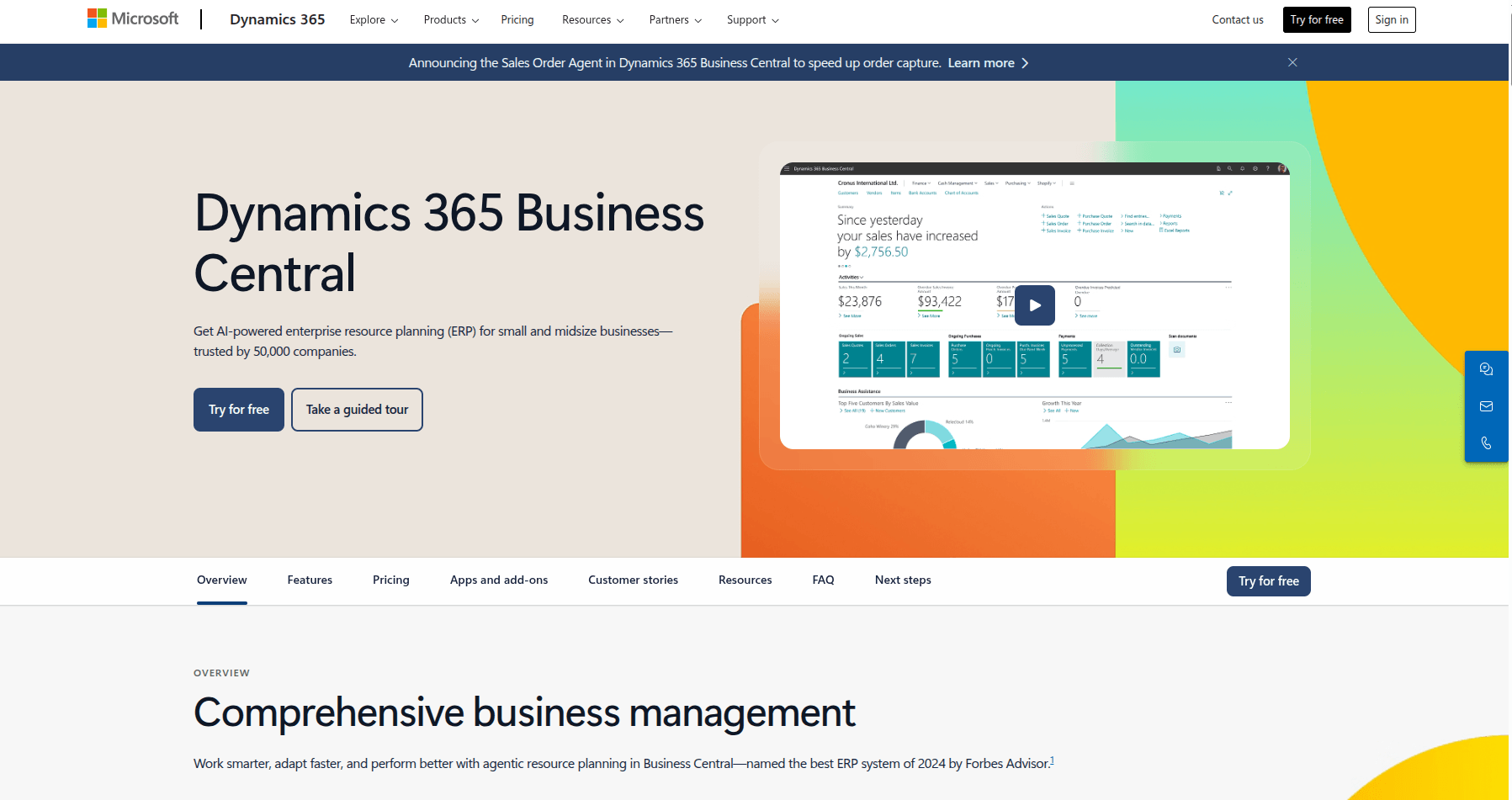
Dynamics 365 Business Central is Microsoft’s cloud ERP for small and mid-sized businesses. Here, you can unify finance, operations, inventory, sales, and customer service in one platform. To reduce the learning curve and smooth out integration, this option is best for companies already using Microsoft products. It’s also a common choice for light manufacturers, distributors, and service businesses.
Pros:
Cons:
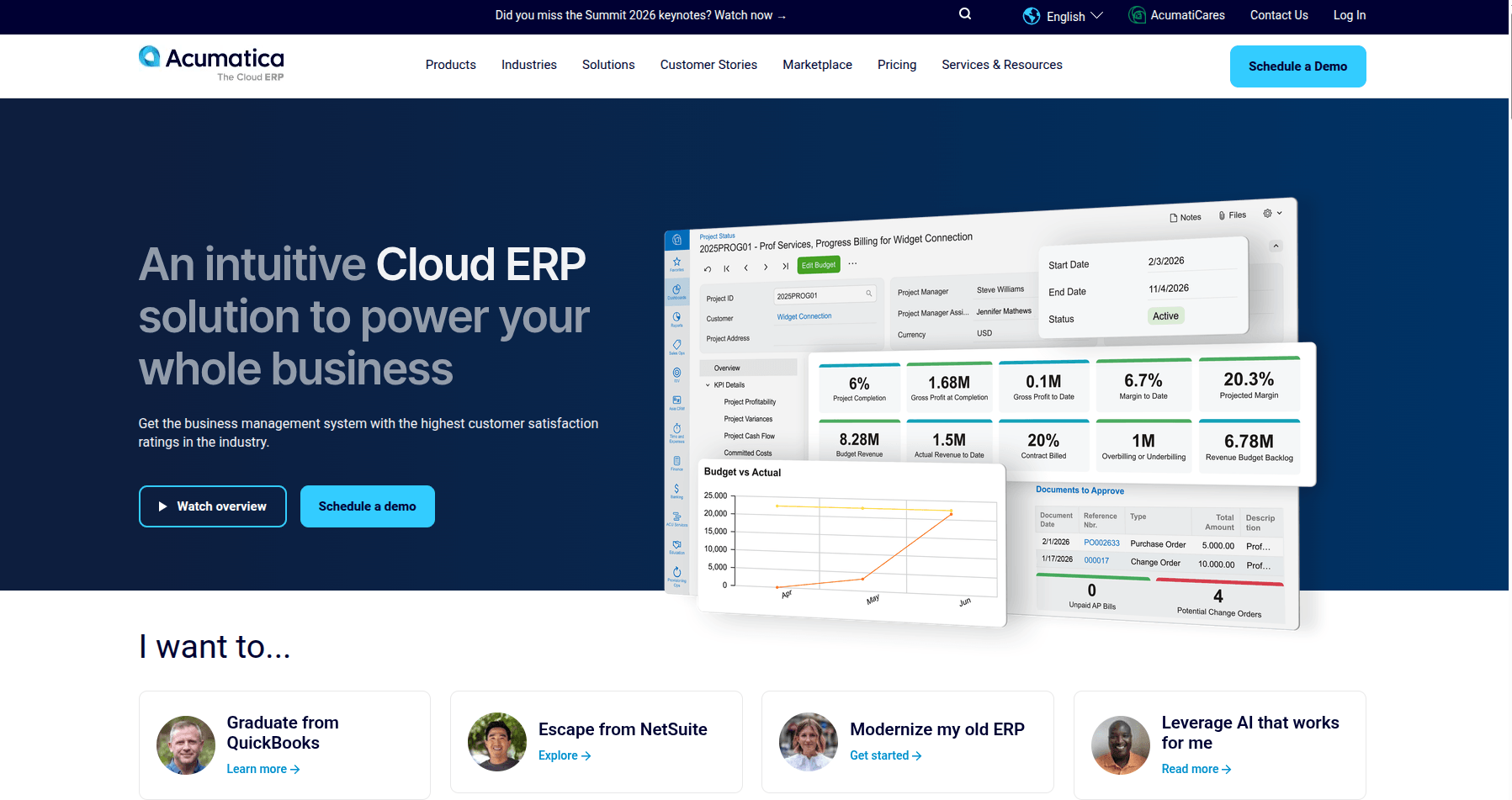
A cloud-native ERP built for mid-sized businesses, Acumatica has industry-specific editions for manufacturing, distribution, construction, retail/ecommerce, and professional services. Its pricing model is unique: Instead of paying for user seats, you pay based on applications and transaction volume.
Pros:
Cons:
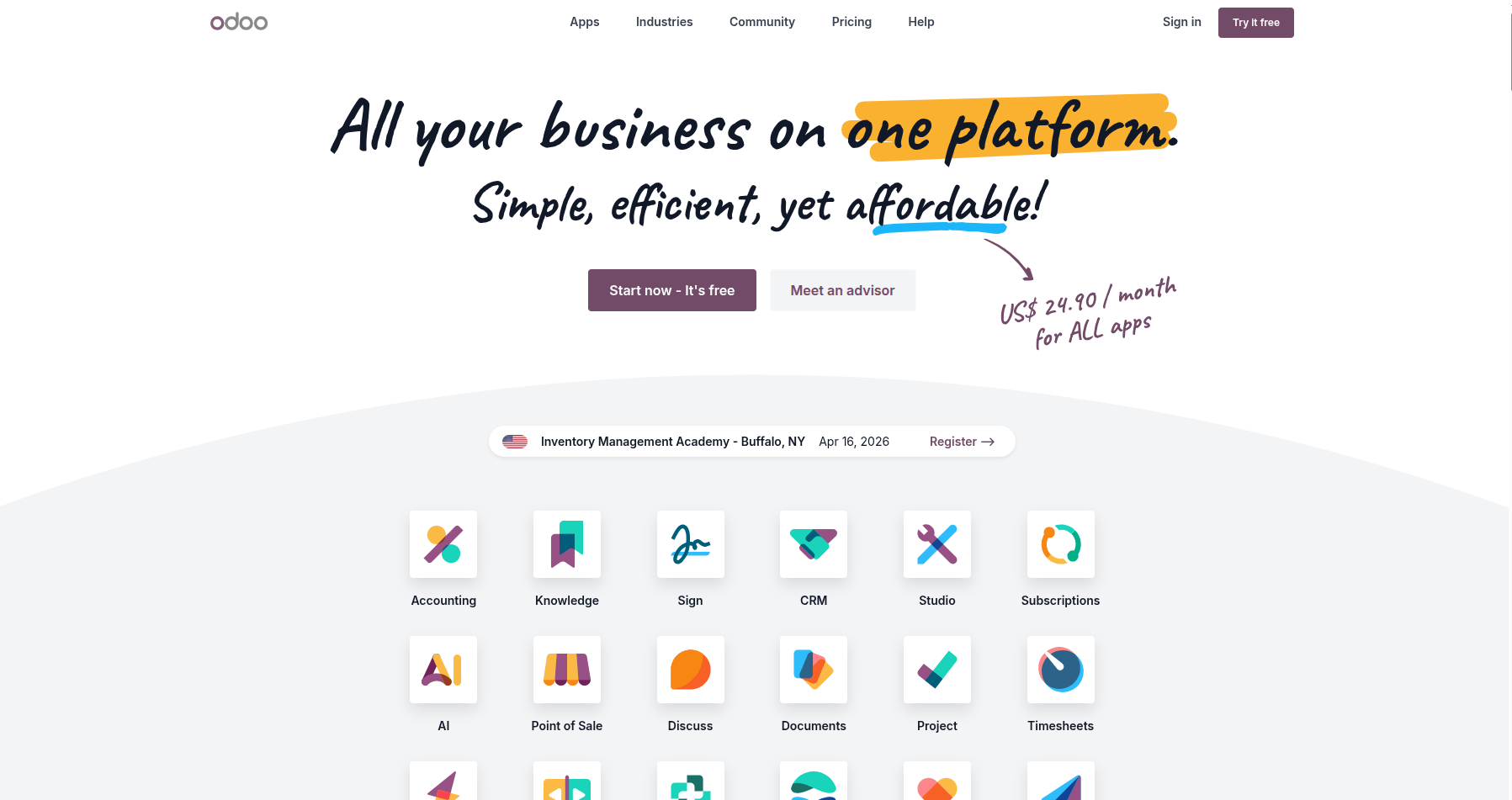
Odoo is an open-source, modular ERP platform. Odoo’s Community Edition is free, and its per-user cost is far more affordable than NetSuite or SAP Business One. Businesses that are outgrowing spreadsheets, need somewhere affordable to start, and are willing to adapt their processes to fit the platform may work well with Odoo.
Pros:
Cons:
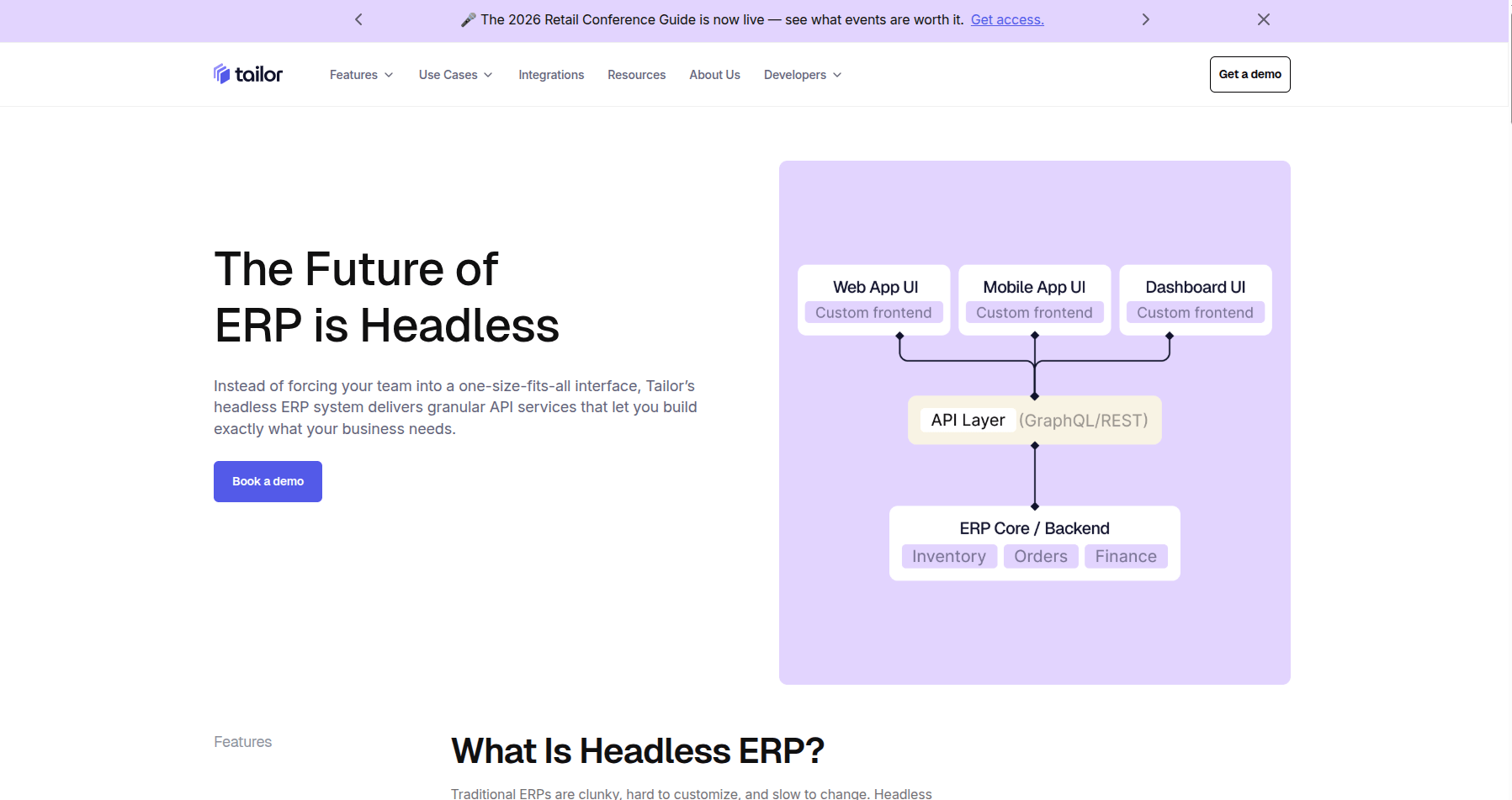
Tailor is a composable, headless ERP that connects your existing tools to a unified backend with a modern interface on top. Most of the other systems on this list assume some level of migration away from your existing stack. But with Tailor’s composable architecture, you build from your existing stack. With pre-built modules for procurement, sales, inventory, and manufacturing plus pre-built integrations for Shopify, QuickBooks, ShipStation, and 3PLs, you can be up and running in weeks.
For example, say you’re a mid-sized ecommerce brand using Shopify, QuickBooks, and ShipStation. When you choose Tailor, you continue using all three of these tools just like before. But now, you have a single source of truth where all of these tools connect — you’re no longer reconciling inaccurate numbers. And this allows you to expand into the new market or launch the wholesale channel you’d been putting off.
Pros:
Cons:
Choosing the best ERP for your mid-sized business isn’t about finding the system with the most bells and whistles. It’s about finding the one that works for your existing stack instead of against it.
Run any ERP on this list through the three questions above and the right fit for your business becomes much clearer. And when you find that best fit, your business will benefit in a big way: You now have the infrastructure to unlock 10x, without 10x the chaos.
See what that infrastructure looks like with Tailor’s out-of-the-box ERP.
Or get in touch with our team and tell us what you’re running — we’ll show you how Tailor

AUTHOR
Hailey Hudson


Connectors
Compare Tailor