If you’re like many teams, you’ve experienced this exact scenario: getting sign-off from stakeholders, creating documented data flows, completing thorough technical scoping… and still ending up with an ERP integration that ran over budget or broke six months post-launch.
Sound familiar? The problem probably isn’t your process — it’s the architecture your process is built on top of.
This post breaks down why that happens, what each ERP integration best practice is actually compensating for, and what changes when you build on a composable foundation instead of a monolithic one.
What You’ll Learn
-
Why ERP integration keeps failing (even when you follow the rules)
-
ERP integration best practices (and what each one is compensating for)
-
What changes with a composable, API-first foundation
-
Applying ERP integration best practices in a composable environment
Why ERP Integration Keeps Failing (Even When You Follow the Rules)
Most ERP integration failures aren’t caused by teams cutting corners. They’re caused by architectures that weren’t designed to integrate cleanly.
After all, you can’t fix risk that’s embedded into the architecture.
There are a few key reasons behind this pattern:
-
Rigid, vendor-defined APIs. Most monolithic ERPs were built before API-first design became the standard, so if they have APIs, they typically only expose a fraction of what the system can do. This means integrations are forced to work around the system instead of working with it (think: fragile custom connectors and middleware translation layers).
-
Business logic buried in the core. In a monolithic ERP, the rules that control how tasks get done are wrapped up with the data layer and the UI layer. When an integration needs to touch a process rather than just read or write data, it has to either replicate that logic externally (creating two sources of truth), or tap into the core in ways the vendor can’t fully support. Either way, there’s a risk of destabilizing the entire system.
-
ERP updates. Integration workarounds are often built on assumptions about internal behavior that may or may not be true. When the ERP updates, every integration point built on those assumptions becomes a potential breakage, even if the update wasn’t intended to affect it.
Every “best practice” an integration team follows is a response to one of these three structural realities.
ERP Integration Best Practices (And What Each One Is Compensating For)
These practices exist for good reason. But each one fills an architectural gap, and at some point, you’ll outgrow them. Here’s what each one is really doing.
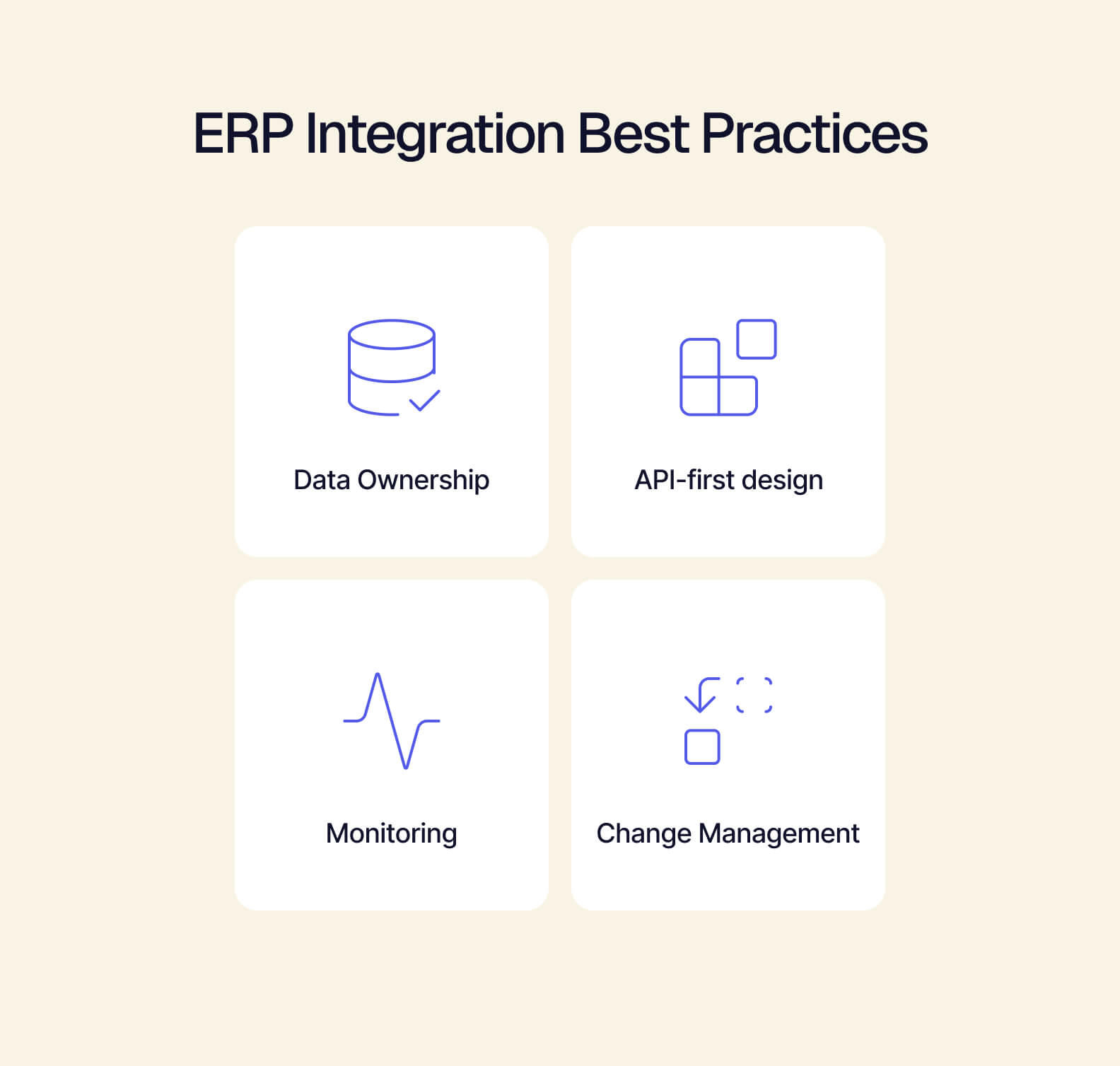
Define Data Ownership and Governance Upfront
What it does: Prevents conflicts between systems when the same entity (customer, product, order) lives in multiple places. Without clear ownership, you run into issues like duplicate customer records or conflicting order statuses.
What it’s compensating for: An ERP data model that wasn’t designed around your business objects, so “customer” in the ERP doesn’t mean the same thing as “customer” in your CRM or WMS. This is the rigid data model we mentioned earlier.
Prioritize API-First Integration Design
What it does: Instead of fragile point-to-point connections, API-first design centralizes integration logic so any system can plug in through a consistent, documented interface.
What it’s compensating for: Most ERPs didn’t give integration teams a clean, complete API to build on in the first place, so designing API-first becomes the team’s job to do despite the ERP.
Build Error Handling and Monitoring into the Integration Layer
What it does: Catches failures before they escalate, giving teams visibility into what broke, where, and why.
What it’s compensating for: ERPs that make it difficult to tell where a failure originated because the integration layer and the core system aren’t cleanly separated.
Plan For Change
What it does: Make ERP upgrades and business changes less chaotic by versioning integrations, documenting dependencies, and maintaining a map of what touches what.
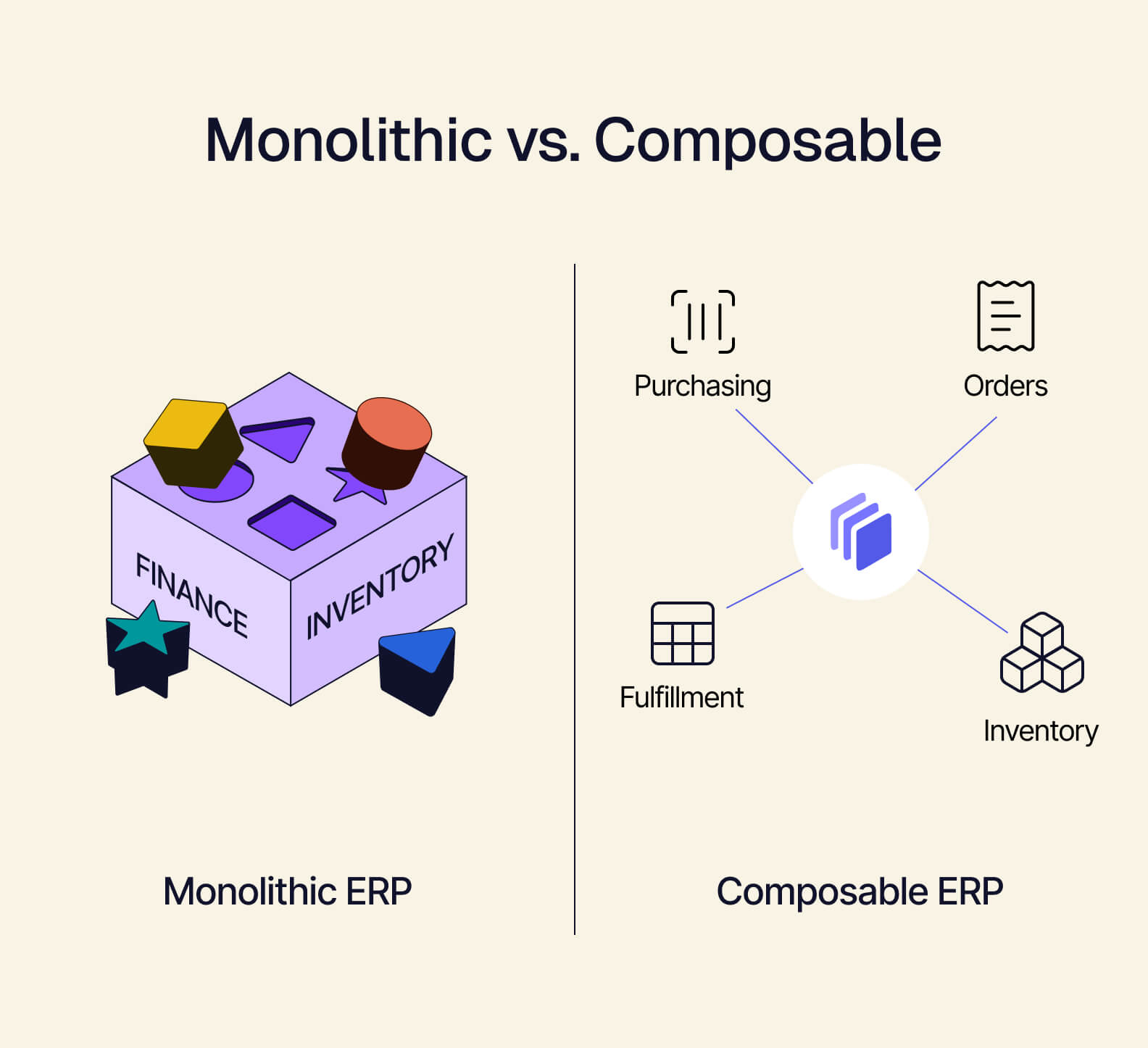
What it’s compensating for: Monolithic upgrade cycles where a single vendor release can break dozens of integration points simultaneously. Since a monolithic system bundles unrelated capabilities together, a vendor can’t release one update without touching everything that’s connected to it.
Each ERP integration best practice is troubleshooting a problem that stems from the ERP’s architecture, not the integration team’s process.
What Changes With a Composable, API-First ERP Foundation
When the ERP architecture stops creating those problems in the first place, the workarounds are no longer necessary.
For example, consider APIs as native, not bolted on. Instead of teams reverse-engineering what an ERP will let them access, every capability is exposed as a documented endpoint from the start. This is the foundation Tailor is built on.
By using your data model instead of the vendor’s, governance work also looks different. Instead of reconciling mismatched data models after the fact, you define the business objects that match your operations so master data governance becomes a matter of configuration.
Modular, explicit logic isn’t entangled with the data and UI layers — so integrations can touch exactly the process they need to, without putting other parts of the system at risk. This modularity is part of what makes an architecture composable. Tailor is built this way, designed to evolve incrementally so you can swap or extend individual components without triggering broken integrations in the rest of the system.
Finally, observability is built in. When the integration layer and ERP layer are cleanly separated, failures are easier to isolate and attribute. You no longer need to build elaborate monitoring to figure out where something broke.
Composability doesn’t eliminate the need for integration discipline. But it does change what that discipline has to compensate for.
Applying ERP Integration Best Practices in a Composable Environment
ERP best practices don’t disappear in a composable architecture. Instead, they become faster to execute, easier to maintain, and less expensive to get wrong. Here’s what it looks like in practice.
-
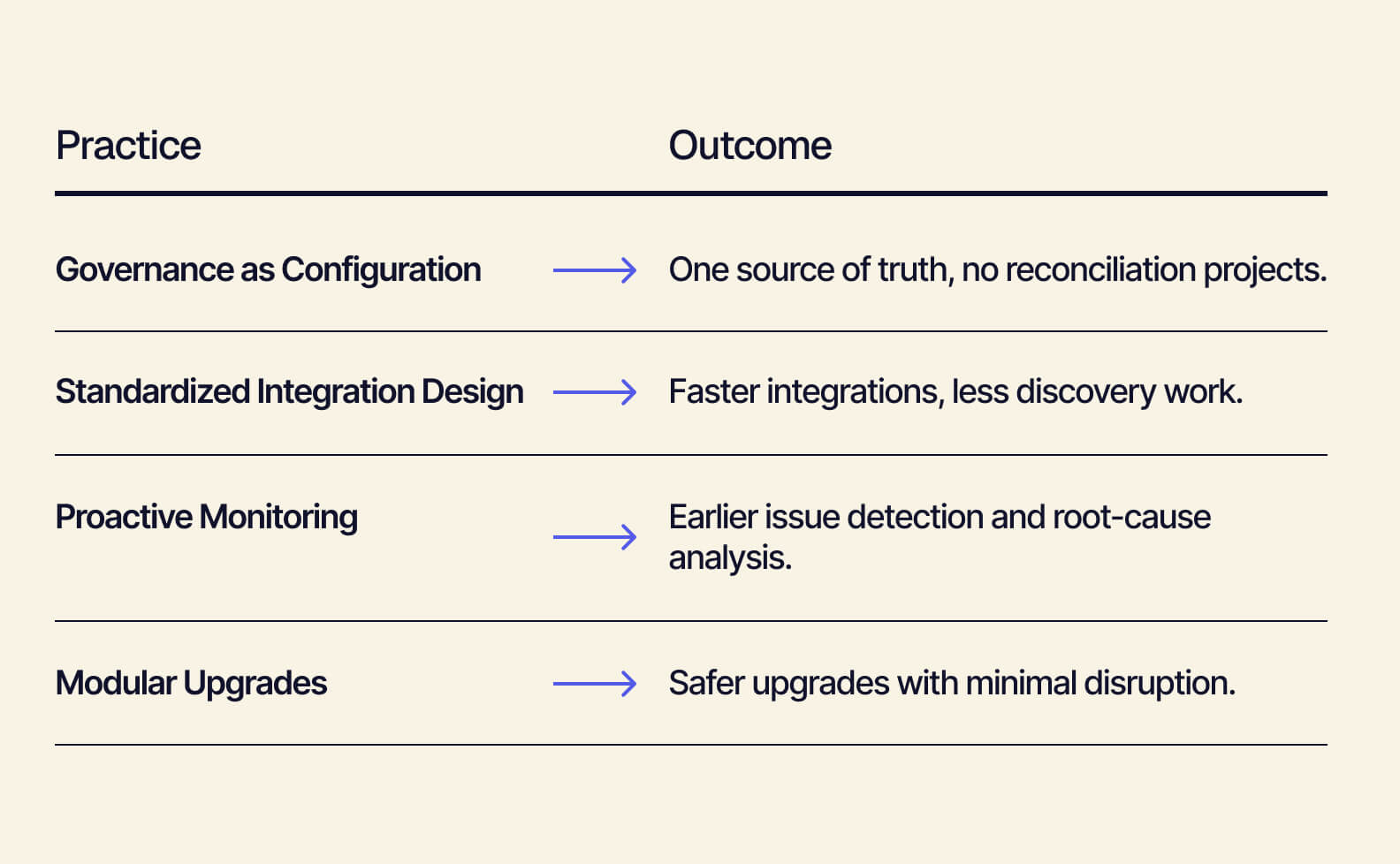
Governance becomes configuration. Instead of spending weeks reconciling what “customer” or “order” means across systems, defining your entities is a one-time configuration step. This saves you time on data reconciliation projects and saves you conversations on which system is the source of truth down the line.
-
Integration design is standardized by default. Instead of each integration needing its own discovery process to figure out what the ERP will and won’t expose, every new integration starts from the same clean surface. This benefit is consistent across every new integration long-term.
-
Monitoring is less reactive. When components are modular and APIs are explicit, it’s easier to catch and trace anomalies before they compound. You’ll spend less time putting out fires or searching multiple systems to find where a certain failure originated.
-
Upgrades don’t break everything. Because components are modular, changes to one part of the system don’t spread unexpectedly across integrations. You’re safe to upgrade on a regular basis.
ERP integration best practices are no longer a workaround. Instead, they’re now simply just good practice.
The Foundation Is the Practice
The teams that get integration right aren’t just following better practices. They’re building on a foundation where those practices have room to work. With a composable ERP, governance, API design, monitoring, and change management aren’t constant compensations for the architecture, but natural extensions of it.
See how Tailor’s composable ERP foundation changes what integration looks like for your retail brand.