Whether you’re actively comparing retail SaaS software to purchase or just starting your search, you’ve probably felt the overwhelm that comes with trying to figure out which software is the right fit for your business.
While we highly recommend this Software Evaluation Scorecard, there are some adjustments you can make to the way you think about software to support your purchasing experience. This guide is designed to help you tackle this process by providing a structured framework to assess software compatibility with your business.
Adopting this 3-pillar software evaluation framework will tee you up to understand:
-
The impact a software’s architecture can have on your retail business
-
Why choosing software for its operational benefits can be make-or-break
-
How to ask better questions that insulate your business from risk
Pillar One: Assess Architectural Fit
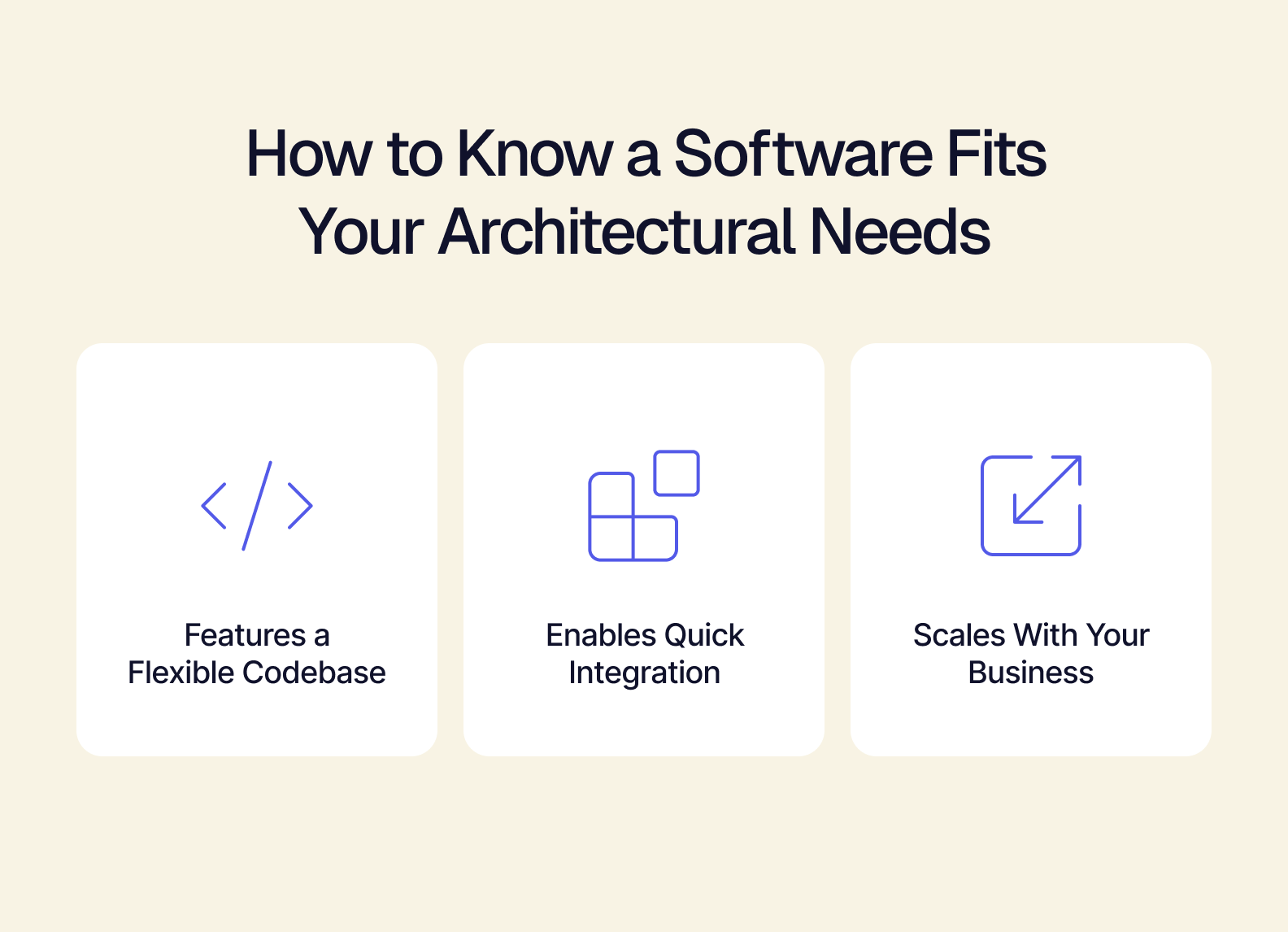
Determine the Flexibility of a Software
The ability for your business to thrive in this chaotic world market may come down to how quickly you can pivot. While your team, suppliers, and retail partners may be ready to pivot, your tech stack might not. By evaluating the flexibility of SaaS software before you purchase, you can ensure you won’t be stopped from making the best choice for your business. Rigid, inflexible software should be passed over during the purchasing process.
Examples of flexibility:
-
Easily added feature-sets or native API integration to utilize features of other SaaS tools.
-
Reactive workflows that allow your teams to adjust processes in a way that works for them.
-
Affords your ops team the chance to be more agile with iterative development.
Define Acceptable Integration Timelines
How quickly you can get software integrated into your tech stack directly impacts your business’s bottom line. A software that takes months to get integrated and operational means you’re moving your quarterly goals back. A software that takes only a couple of weeks to get up and running is something you can easily plan for. Getting caught off-guard by lengthy, unexpected integration times, unplanned onboarding difficulties, or getting bogged down by workflow errors all threaten total integration timelines — making thorough discussion about your existing tools and processes with a software vendor mandatory for scaling retail businesses.
Examples of acceptable integration timelines:
-
Installation, clarified workflows, and full deployment of the software within a month of purchase (often best for agile businesses).
-
Partial activation of necessary features within weeks of integration, with clear deployment milestones over the course of a quarter (roughly three to four months).
-
Staggered, fully-featured rollouts across key users to ensure predictability across the business (6 months or more).
Ensure the Software Scales with Your Business
Sometimes retail businesses choose software that meets the moment — but only the moment. It’s not uncommon to integrate a specialized tool for a short-term issue, and end up with a convoluted systems backend full of tools that only solve a single problem (and cause more for you down the line). Software that doesn't do enough, or that only takes care of one persistent issue, is NOT scalable. Your SaaS software should do more for your business and open your business up for new opportunities.
Examples of appropriate scalability:
-
An API-enabled software designed to natively connect to a variety of other API-enabled tools.
-
An upgradeable dashboard system that solves immediate problems and can be adjusted to easily solve others.
-
Software that you can use for 5+ years, rather than one that needs to be replaced after just one.
The Impact of These Assessments
-
Streamlines the decision-making process. Rather than comparing software and hoping you don’t integrate a future disaster, you get to pick what works from only best-in-class options.
-
Enables you to take control of the sales conversation. You can avoid the pitfalls of lengthy sales processes by knowing which details are dealbreakers for your tech stack.
-
Ensures you don’t get saddled with unwarranted expenses. Ripping and replacing software that wasn't the right fit is expensive, time-consuming, and can often create technical debt in your daily operations.
Pillar Two: Operational Impact Pre-Check
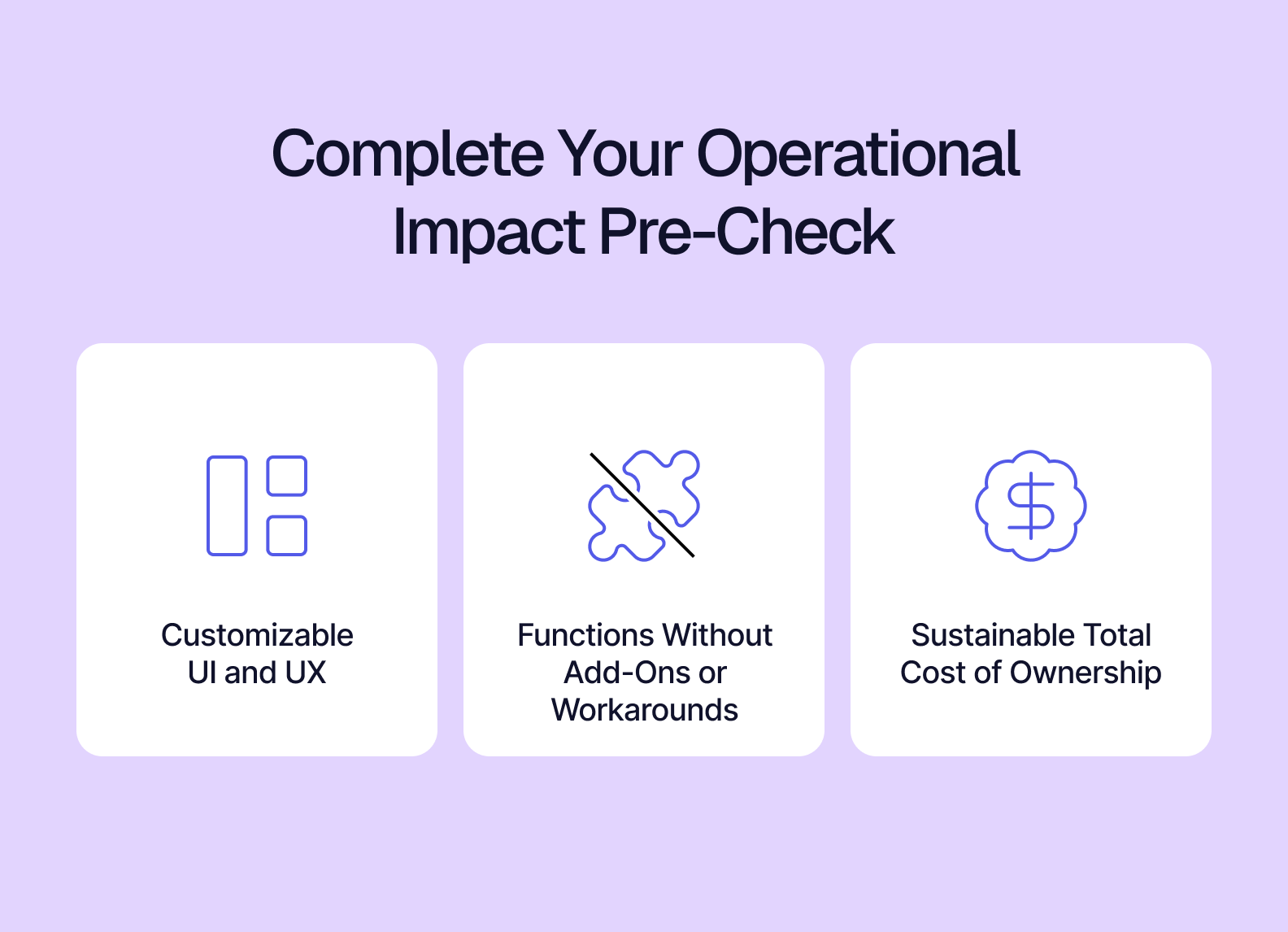
SaaS Pre-Check No. 1: Customizable UI and UX
Traditional approaches to software design lean on a rigid (or uncustomizable) UI. Because the UI is directly tied to the code that makes the software function, you can’t change anything to fit your workflows. Having to realign your daily workflows to fit a rigid software means a cascading number of increasingly complicated problems develop: cumbersome workarounds, technical debt from using other tools incorrectly, and increasingly slowed productivity.
These issues can be avoided by choosing headless and composable software — which features decoupled UI and backends allowing for customizable UIs and enabling functionality designed for specific teams (or users). When your software of choice prioritizes headless and composable customization, you’re being set up to expand your capabilities rather than limit them.
SaaS Pre-Check No. 2: Add-ons and Workarounds
Sometimes, software integrations can be incomplete out of the box. Unfortunately, sales teams don’t always do a good job of laying out exactly what you’re getting when you make your purchase — and this is why it’s important to get clear on what’s part of the software’s base functionality and what’s included with paid add-ons. Software that requires add-ons isn’t always an automatic skip, but add-ons do open your business up to potential incompatibilities. Knowing which are optional — or if any are mandatory — helps you gauge the scope of its operational impact.
Additionally, knowing whether or not software will require complicated workarounds to work with your existing tools must be known before purchase.
SaaS Pre-Check No.3: Total Cost of Ownership
The final bill for any software you purchase won’t just be the box price. Savvy businesses will calculate the final cost based on what comes after: integration timelines (including business downtime + technical staff costs), training, recurring fees (such as usage limits or feature subscriptions), maintenance costs, and costs associated with long-term product support. If you don’t account for these while narrowing down your software choices, you may set yourself up for several unpleasant surprises down the road.
While there’s not a specific formula for accurately calculating software TCO, you can use this guide to learn more about TCO and pull together a decent estimate for your accounting team.
Pillar Three: Questions to Prevent Risk Exposure
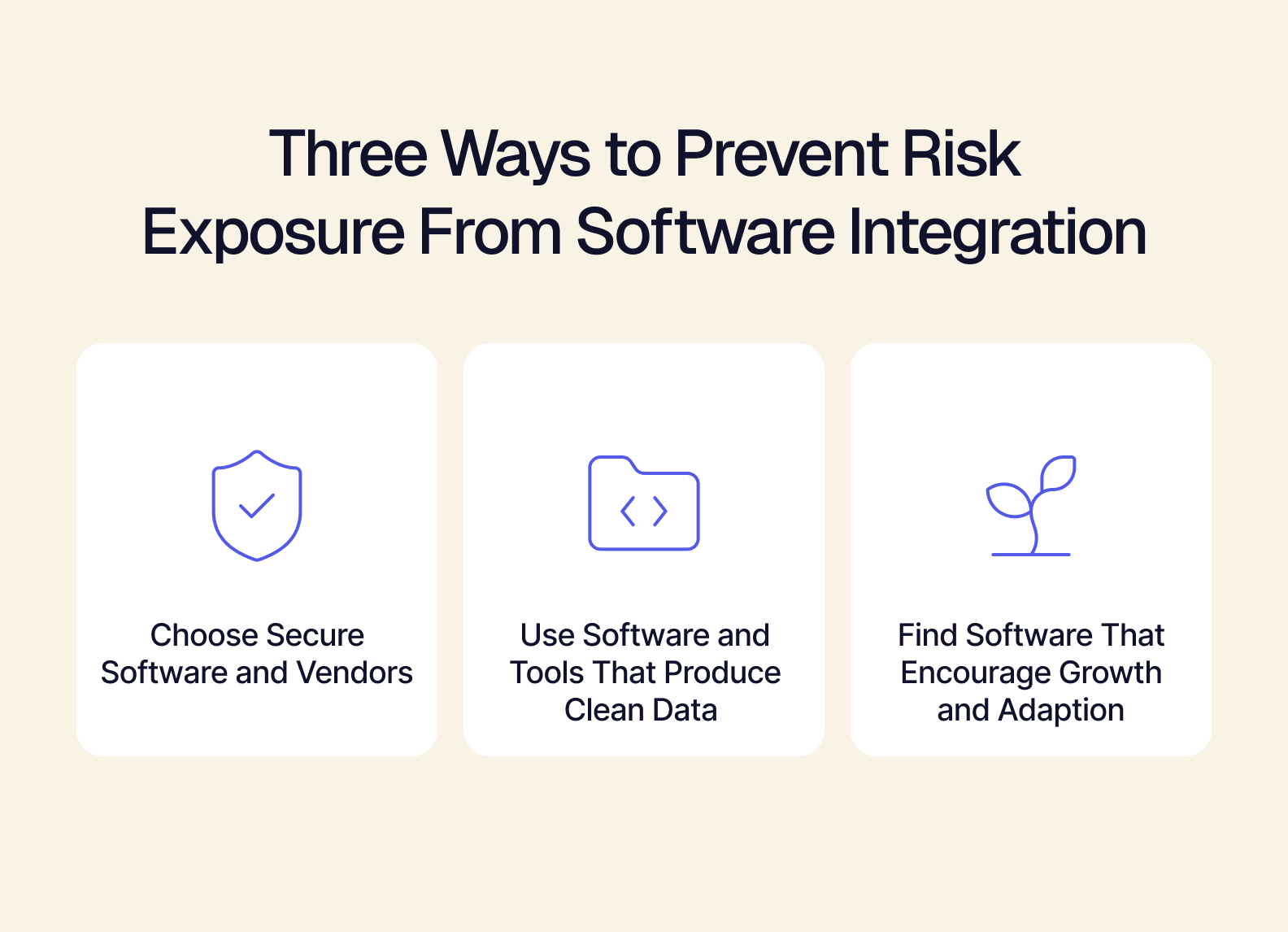
Does This Software Vendor Comply With Security Standards (SOC 2, GDPR, Etc.)?
Why you should be asking this question: No matter the size of your business, data integrity and cybersecurity should be top-of-mind. With security breaches costing an average of $140,000 per incident — according to this report from CinchIT — every SaaS software you integrate into your retail business needs to prioritize security. Tools that won’t protect your business from complicated phishing attacks, credential theft, and ransomware injections should be heavily scrutinized before purchase — or even fully passed over in favor of another software.
Another overlooked angle for this question is to find out if the software vendor is compliant with modern security standards. A SaaS vendor that’s vulnerable makes every client vulnerable.
Will This Software Provide Me With Clean, Usable Data?
Why you should be asking this question: For retail businesses, accurate inventory is everything. Software that creates data silos, causes incorrect data to be merged with final records, or leads to lagging reports can quickly produce out-of-control chaos for daily operations. Clean data means that all time-sensitive information is delivered quickly, accurately, and is reconciled in context of other high-priority data.
Dirty data (which is unusable), is often the cause of operational slowdowns and inventory issues like stockouts and overselling. If you can’t get an accurate and up-to-date view of your most important business information, you should probably make a different SaaS software choice.
Can This Saas Software Set Us Up For The Future?
Why you should be asking this question: Too often, retail businesses get tunnel vision about their business. They’re making decisions about how to put out today’s fires, but rarely thinking about what they can do once they’re put out. Getting back to “business as usual” shouldn’t be where you set your sights. Every software integration is an opportunity to push your business forward and set it up to take on new opportunities, expand into different markets, or test the waters in another niche.
When you choose software that sets you up for the future, you’re more likely to take advantage of the chaos — potentially helping you pull ahead of your competitors.
Does This Software Operate on Open or Closed Data?
Why you should be asking this question: Your business’s data belongs to you, but some software vendors would disagree. These software vendors tend to build their software around closed data. Their software is essentially a black box, where you are unable to control your data, and in some cases, completely unable to fix any problems with your data on your own. Closed data software can open you up to risks you cannot anticipate, because whatever happens to your vendor directly impacts their software — and if they’re brought offline, your data goes with it.
Open data software, instead, allows you to control your data and fix problems as needed. You likely won’t have to deal with outages disappearing your data, and have more ways to keep your business running when your vendors experience outages.
Put Your Framework into Action
Now that you can assess the impact retail SaaS software can have on your business, you’re ready to put that learning into action. For this, we have two resources to support your software evaluation journey:
-
Visit our SaaS Software Evaluation Guide. This digs further into the questions you should be asking about software, and teaches you about the different criteria you can use to make your purchasing decision.
-
Download our SaaS Software Scorecard. This is a tool designed to help you dig in and compare different software in real-time, based on the criteria outlined in our evaluation guide.
If you’re still coming up empty-handed in your search for the right SaaS software integration for your business, Tailor can help. Book a demo with us to learn how our modular and headless software solutions can help your business rapidly scale in this challenging retail environment.